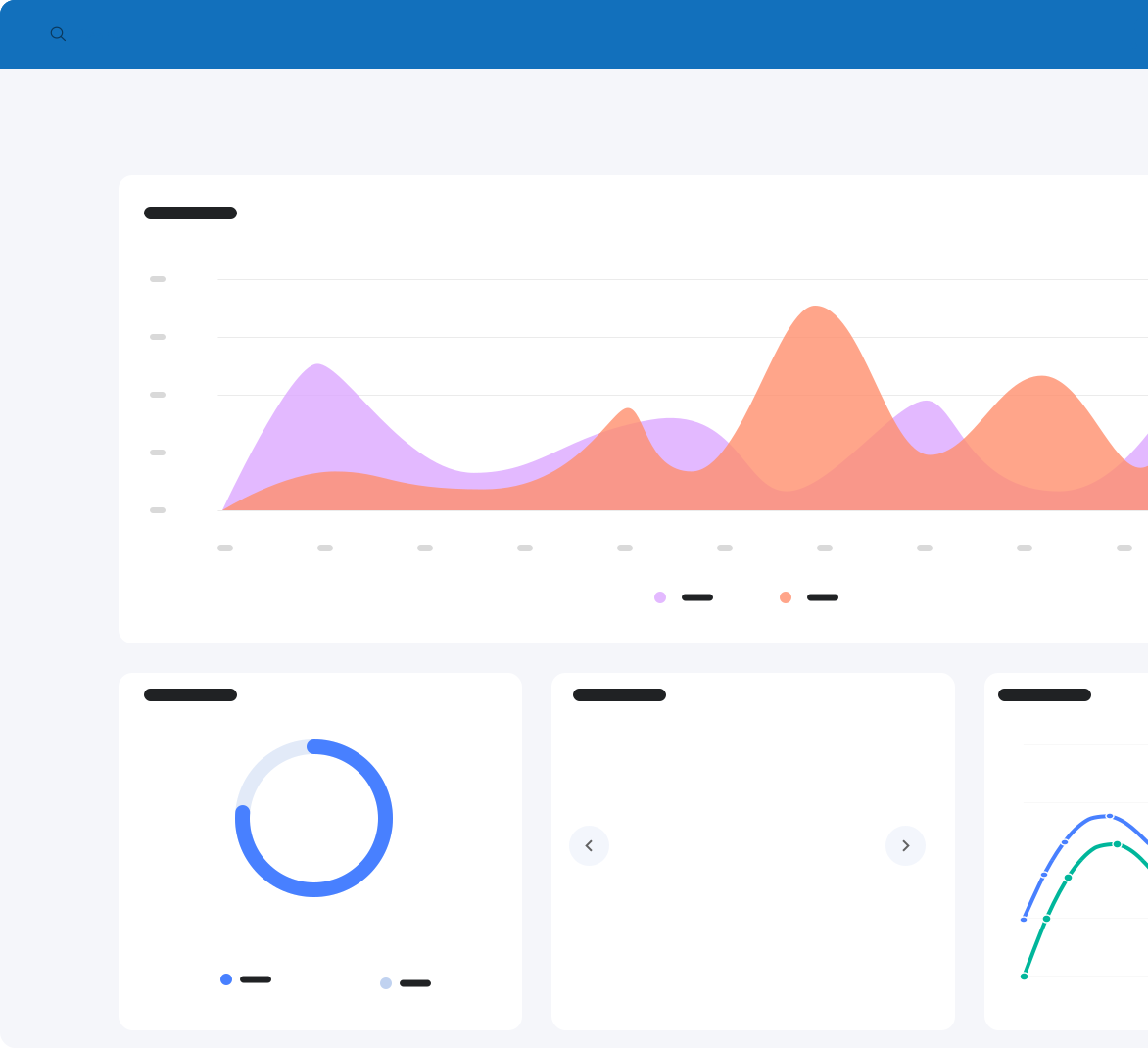

Keep track of your spend with budgets
Budget progress tracked as orders are raised, with complete visibility into available spend before purchases are approved
Wondering what connects between Zahara and Xero? This section outlines exactly what gets synced.
From suppliers and account codes to fully coded invoices. It’s all automatic, accurate, and built to keep your finance team aligned and in control.
Zahara integrates with the tools your finance team already trusts, including Xero, QuickBooks, Sage and Business Central. Configure once and go live with no disruption.


Everything you need to know about setup, syncing, and how Zahara makes invoice approvals in Xero faster and smarter.
Yes. Zahara lets you build multi-step approval workflows that connect with Xero. Invoices are routed to the right people, reminders are sent, and every approval is tracked with a clear audit trail.
You can connect Zahara to your Xero account in a few quick steps. It’s secure, simple, and doesn’t require any technical setup. Once linked, Zahara pulls in suppliers, tax codes, and accounts from Xero automatically.
Yes. Zahara needs a dedicated Xero user account to connect securely. It’s best to create a login just for Zahara — that way, everything stays clean, traceable, and easy to manage.
You’ve got options. You can set invoices to export automatically once they’re approved, or, if you prefer a bit more control, send them manually. Either way works — automation saves the most time.
Suppliers email invoices straight to Zahara’s Invoice Inbox. From the moment they land, Zahara uses AI to scan, read, and extract the key details — including line items. Each invoice is then automatically routed through the correct workflow. If it’s from a trusted supplier, the whole process can run without a single manual touch.
Yes. Zahara uses AI to match invoices to both purchase orders and goods received notes at the line-item level. It checks quantity, price, and line descriptions to catch mismatches before approval, even across complex multi-line documents. That means fewer errors, faster approvals, and tighter cost control without manual reconciliation.
Zahara reads invoices with smart AI and matches suppliers, line items, and tax codes to your Xero data. It follows your rules, applies your logic, and keeps things accurate every time.
Yes. If you’re on the Business plan or using the budgets feature (see pricing), Zahara shows you what’s already committed and what’s still available. You’ll get clear budget visibility before anything’s approved or pushed to Xero — so you can stop overspending before it starts.
Zahara checks for duplicate references and suspicious details before anything goes to Xero. It’s a safety net for your approvals — helping prevent double payments and unexpected surprises.
Not at all. Zahara is built for everyone — not just finance pros. Whether you manage budgets or only approve the occasional invoice, it’s simple to use.